
Free NinjaTrader indicators
ICT indicators for NinjaTrader 8, shipped as NinjaScript source code (.cs), so you can read exactly what the code calculates before you compile it. Every available indicator has its own documentation page: how it works, every setting read from the code, and how to install it.
Available now
 Available
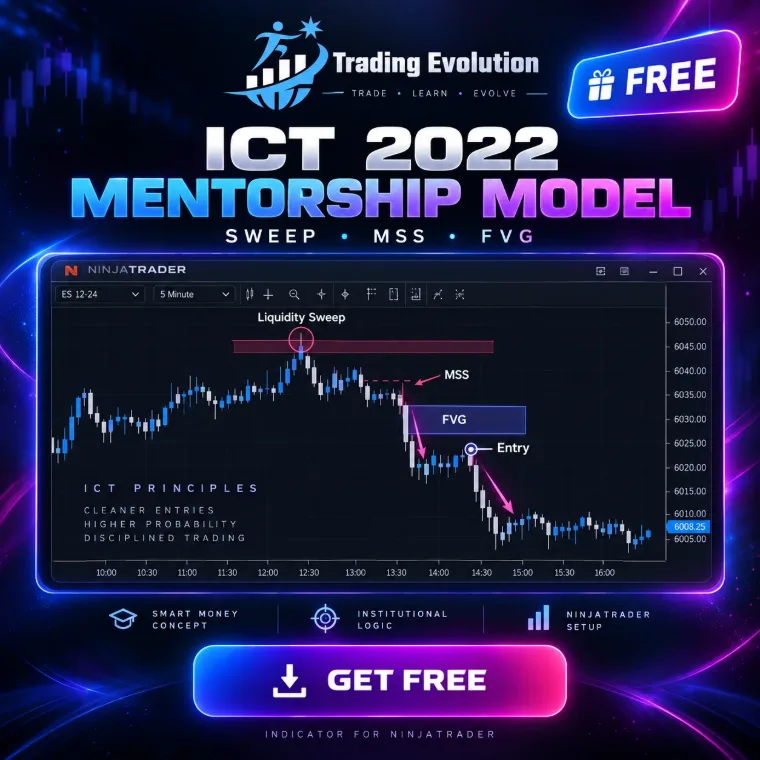
ICT 2022 Mentorship Model
Liquidity sweep, MSS with displacement, then entry on the FVG.
Documentation →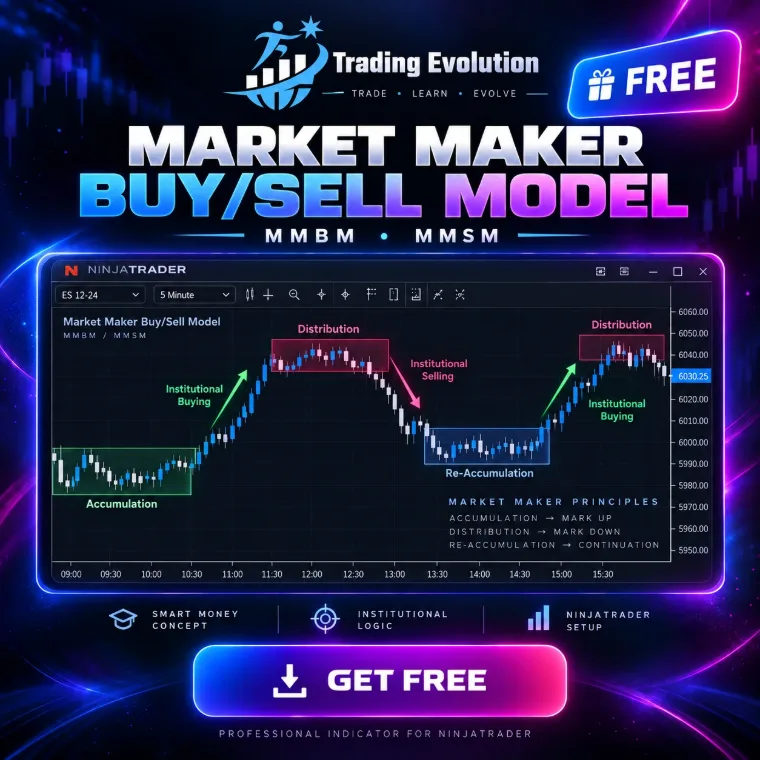 Available
Market Maker Models (MMBM / MMSM)
Market Maker Models (MMBM / MMSM): reading the market as a curve (Buy Model or Sell Model). Price steps down towards a major support level (liquidation), then climbs back in mirror through the same steps, letting you exploit the institutional re-accumulation and re-distribution phases.
Documentation →In progress
These models are already shown on the home page. Each file will be published here, with its documentation, as soon as it is ready.
 ICT Silver BulletThe one-hour window: liquidity grab inside the killzone, then entry on the FVG.Coming soon
 Killzones & Daily ProfilesAsian range, London and New York opens, daily profile (VAH, POC, VAL).Coming soon
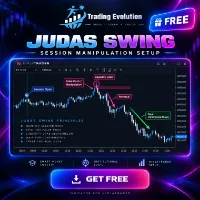 Judas SwingThe false start at the session open, right before the real move.Coming soon
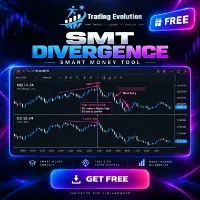 SMT DivergenceTwo correlated markets that stop confirming each other: the smart money footprint.Coming soon
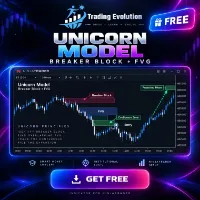 Unicorn ModelA breaker block and an FVG overlapping: the confluence zone to watch.Coming soon
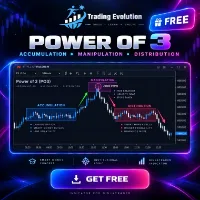 Power of 3Accumulation, manipulation, distribution: the day split into three acts.Coming soon
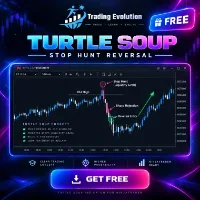 Turtle SoupAn old high broken, stops collected, then a sharp reversal.Coming soon
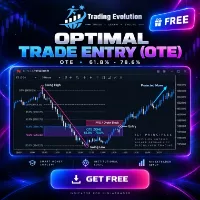 Optimal Trade Entry (OTE)The 61.8% – 78.6% retracement zone, where the best entries sit.Coming soon
How to install a NinjaScript indicator in NinjaTrader 8
- Download the .cs file from the Free indicators section of the home page.
- Copy it into the
Documents\NinjaTrader 8\bin\Custom\Indicatorsfolder. - In NinjaTrader, open the NinjaScript Editor (New › NinjaScript Editor) and compile with F5.
- On a chart, open the indicator list (right-click › Indicators) and add “TRADING EVOLUTION - …”.
What these indicators do, and what they don’t
- They draw the zones and steps of an ICT model on the chart (liquidity, sweep, MSS, FVG, steps) and can trigger sound alerts.
- They are indicators: they send no orders and manage no positions for you.
- Key thresholds are expressed as ATR multiples with a floor in ticks, so they adapt to each market’s volatility instead of being tuned for a single contract.
- The code is readable: you can check every rule before you rely on it.
Frequently asked questions
Are the indicators really free?
Yes. The .cs files are free, with no subscription. They run in NinjaTrader 8, third-party software with its own terms of use.
Why does the download go through NinjaTrader?
These indicators only make sense inside NinjaTrader 8. The first step opens the NinjaTrader website through our partner link; the second unlocks the file. The partnership is described in the disclaimers.
Which markets can I use them on?
Any instrument loaded in NinjaTrader 8: futures contracts (indices, energy, metals), forex or stocks. ATR-based settings save you from retuning everything from one market to the next.
Educational content. These indicators are not investment advice and guarantee no result. Futures trading involves a risk of loss that can exceed the initial investment. Terms of use · Disclaimers